

Download Behance APK – free art sharing app, creative community, portfolio website, freelance jobs for artists, Adobe creative tools
Overview
Behance is a social application developed by Adobe, designed specifically for artists, designers, and creative professionals. It functions as a digital portfolio platform and online creative community, allowing users to showcase their artwork, projects, and professional profiles. The app enables artists to share their work with a global audience, receive feedback, and connect with peers in the creative industry. With no limits on the number of projects users can create, Behance supports both emerging talents and established professionals in building their online presence.
Target users include graphic designers, illustrators, photographers, motion artists, and other creatives seeking visibility and networking opportunities. The platform also serves as a bridge between artists and potential employers, featuring a dedicated Jobs section that lists freelance, full-time, and internship opportunities. While job seekers can browse listings without an account, applying requires a login, ensuring a curated and professional environment. Real-world usage scenarios include portfolio presentation for job applications, collaboration discovery, and inspiration gathering from curated galleries and trending projects.
Key Features & Capabilities
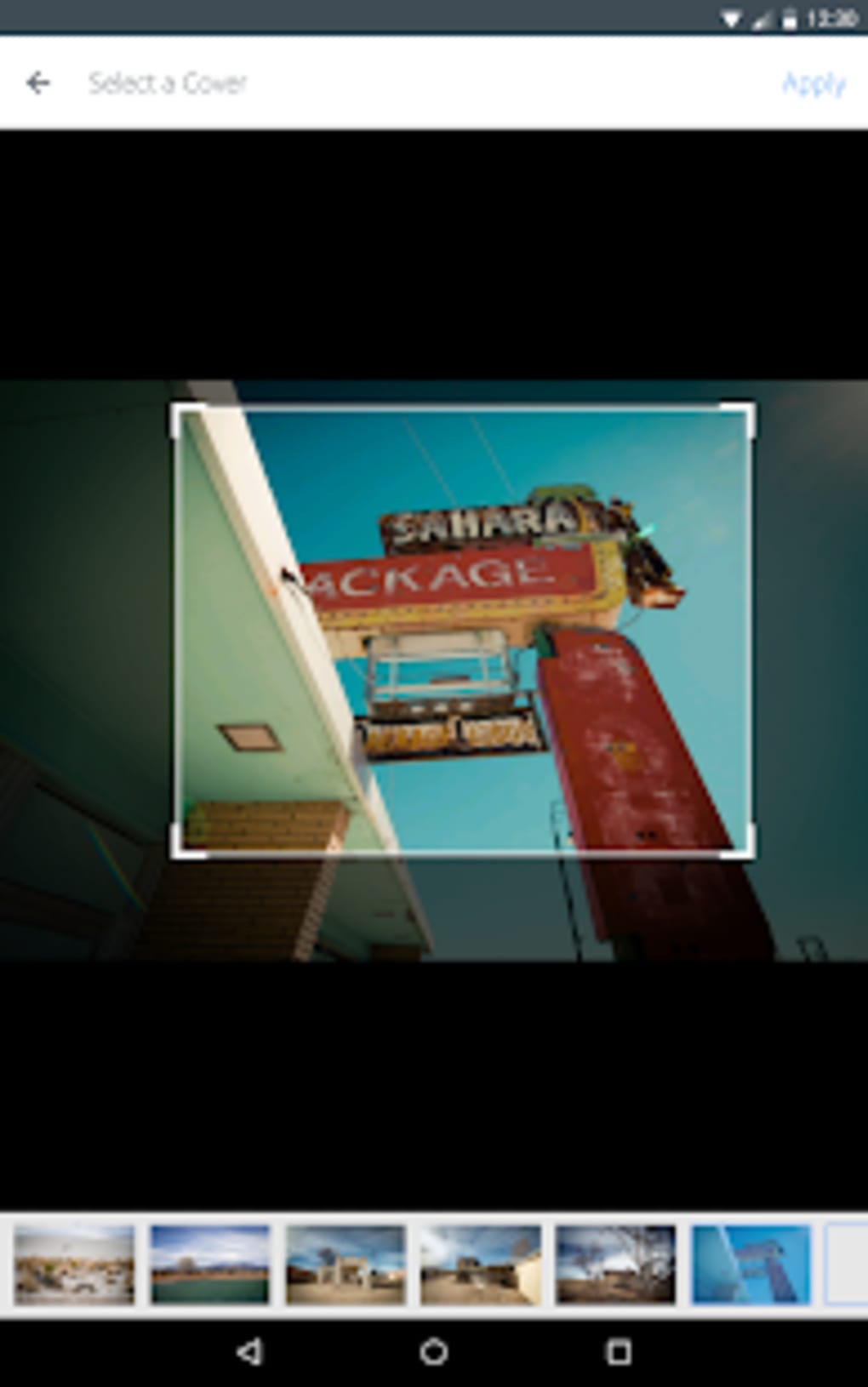
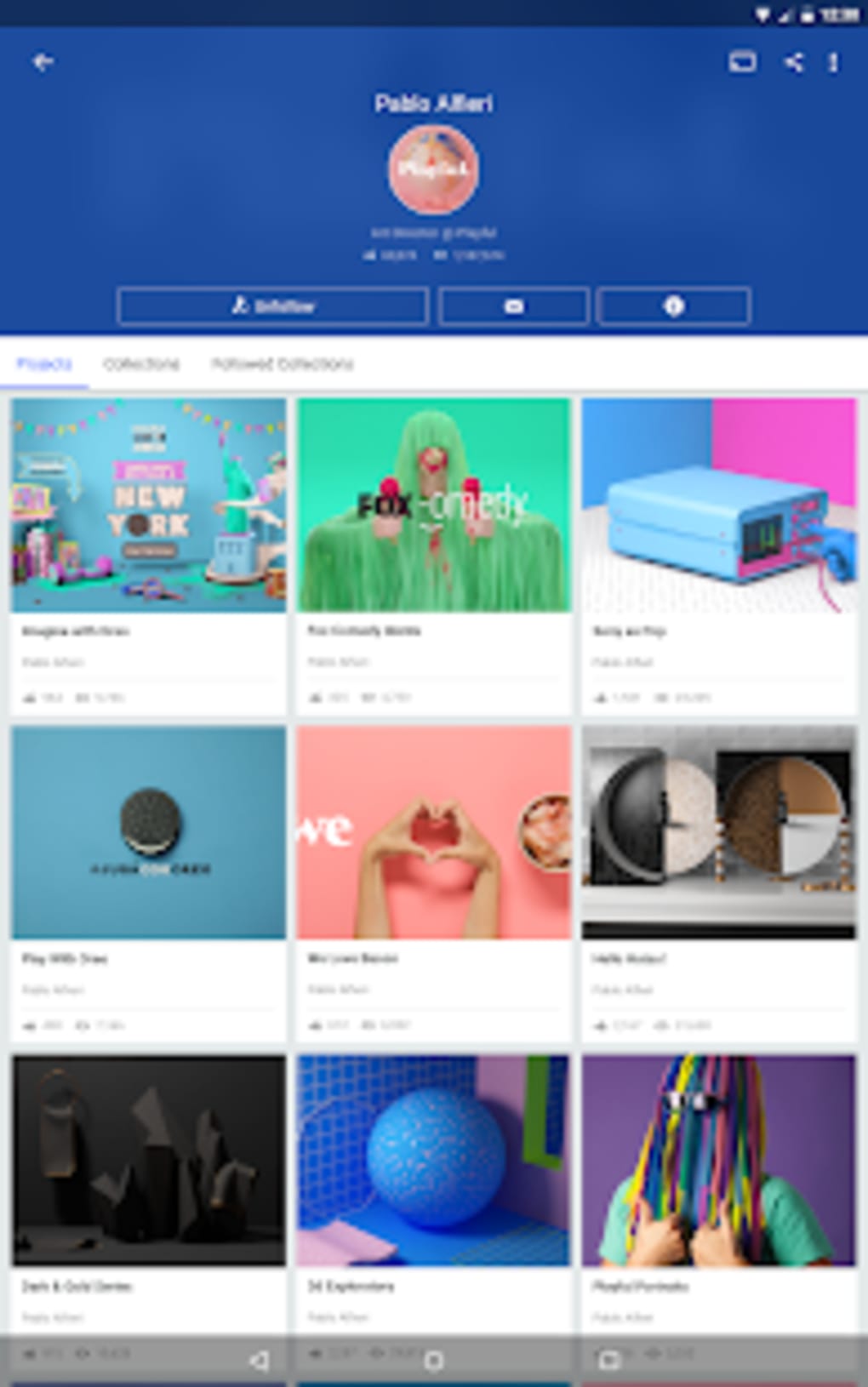
- Project Showcase – Users can group their artwork into individual projects, each with a unique URL for easy sharing across social media, websites, or personal portfolios.
- Portfolio Building – The app allows users to create and manage a professional online portfolio, essential for freelancers and job seekers in creative fields.
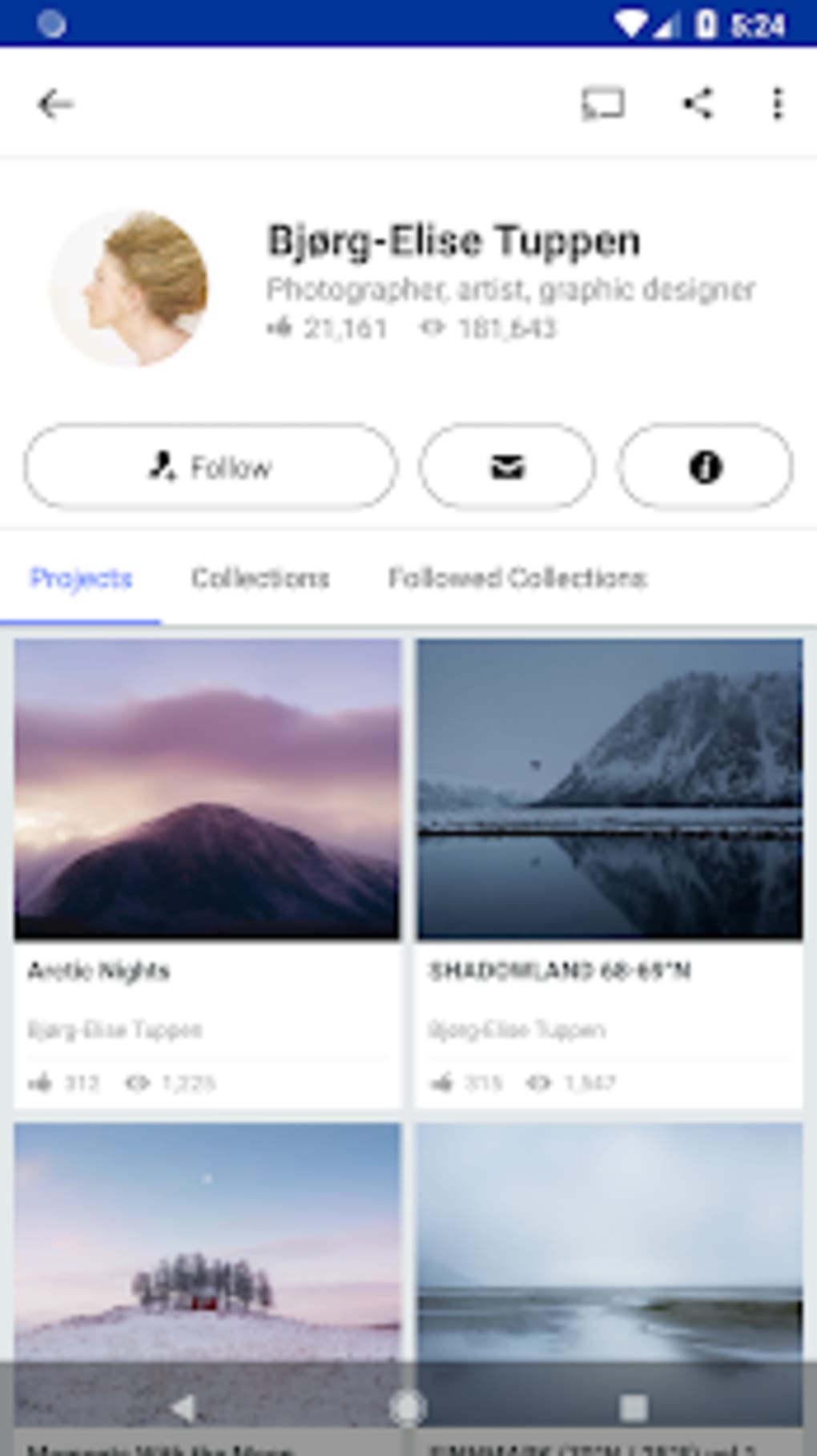
- Community Engagement – Users can follow other artists, like projects, comment on work, and receive notifications about views and appreciation clicks.
- Moodboards – A feature that enables users to collect and organize inspiring projects into thematic boards for personal or collaborative use.
- Job Board – Access to a curated list of creative job opportunities, including freelance, full-time, and internship roles, with employers paying to post listings.
- Curated Galleries – Selected projects are featured in official galleries, increasing visibility and recognition within the community.
These features collectively support creative professionals in gaining exposure, networking, and advancing their careers. For instance, a freelance designer can use Behance to present a case study project, attract potential clients, and apply to relevant job listings—all within one platform. The integration of social interaction with professional development makes Behance a multifunctional tool in the creative ecosystem.
User Interface, Workflow & Performance
The user interface of Behance APK is structured around a clean, content-focused layout that prioritizes visual presentation. Navigation is primarily based on a bottom tab bar, offering access to the feed, projects, profile, jobs, and search (if available). The app emphasizes visual content, with large thumbnails and minimal text, making it ideal for browsing artwork and project portfolios.
Workflow efficiency is moderate—users can create and publish projects with a few steps, though the process of saving or downloading images involves multiple layers of interaction. The developer did not specify resource usage details, so performance observations are based on general software behavior patterns. The app runs on Android devices and is optimized for mobile use, though some users may find the interface less intuitive when managing complex projects.
Stability appears consistent with typical mobile applications of its category. The app does not display visible crashes or frequent freezes during standard use. However, the lack of a dark mode and search bar may hinder usability for some users, particularly in low-light environments or when searching for specific content.
Compatibility & System Requirements
Behance APK is designed for Android devices and is compatible with Android 6.0 and later versions. The current version is 10.1.1, with an installation size of 14.5 MB. The developer did not specify additional hardware requirements, such as RAM or CPU specifications.
Exact system requirements were not listed. Compatibility information was partially provided, indicating support for modern Android devices. Users should ensure their device meets standard Android functionality to run the application smoothly. The app does not require root access or special permissions beyond standard mobile app operations.
Pros and Cons
Pros
- Free to use with no project limits
- Professional portfolio and project showcase capabilities
- Integrated job board for freelance and full-time opportunities
- Strong community engagement features (likes, follows, comments)
- Supports sharing projects via unique URLs
- Curated galleries increase visibility for high-quality work
Cons
- Limited search functionality; no visible search bar
- No dark mode option for reduced eye strain
- Image download process is complex and indirect
- Navigation and interface could benefit from refinement
- Limited customization options for profile and layout
FAQ Section
Is Behance available for free on Android?
Yes, Behance APK is free to download and use on Android devices. There are no subscription fees or paywalls for basic features such as project uploads, profile creation, and community interaction.
Can I use Behance without an Adobe account?
Yes, users can create a Behance account using an email address or social media login. While integration with Adobe ID is available, it is not required to use the app.
How do I apply for jobs on Behance?
Job seekers can browse the Jobs section without logging in. However, to apply for a position, a user must create an account and submit their portfolio and application through the platform.
Is Behance safe to download and use?
Behance is developed by Adobe, a trusted technology company. The app is distributed through official channels and does not require root access. Users should download the APK from reputable sources to ensure security.
Does Behance support offline usage?
Behance primarily operates online. While some content may be cached locally, the app does not support full offline functionality for project creation, viewing, or job applications.
Final Thoughts
Behance stands out as a powerful platform for creative professionals seeking to build a public portfolio, connect with peers, and explore job opportunities. Its integration of social features with professional tools makes it more than just a sharing app—it’s a career development tool. While the interface and certain functionalities like search and dark mode could be improved, the core experience remains strong for artists and designers.
For freelance creatives, job seekers, and those building a personal brand, Behance offers unmatched value. The ability to showcase work, gain visibility through curated galleries, and access real job listings sets it apart in the digital creative space.
Download Behance APK now





.png)

